
Scan any document. Free.
Torch Scan turns your phone into a document scanner. Automatic edge detection, multi-page PDFs, and a private library on your phone. No subscription, no premium tier, no account. When you need a certified translation, request one from the same screen.



Everything the paid apps charge for. Free.
Other scanner apps charge for these, or give them away with ads and a watermark on every page. Torch Scan does not.
No watermarks
Every PDF you export is clean. Nothing stamped on your documents, ever.

No ads
No banners, no interstitials, no "upgrade to remove". The app is quiet.

Free. Really.
No subscription, no premium tier, no page limits. The scanner is free for life.
Fast
Point the camera. Torch Scan finds the edges, straightens the page, and captures it the moment it is steady.

Auto-crop from any angle
Skewed, rotated, or not quite straight: the page comes out flat and square.

Filters
Color, grayscale, or black and white. Pick the one that reads best.

Torch Scan is free because U.S. Language Services is a translation company, not an app company.
The scanner costs nothing and has no paid tier. The only thing you can ever pay for is a certified translation, a separate service you request by email and confirm before you pay. If you never need one, you can keep using the app for free, indefinitely.
U.S. Language Services LLC is a certified translation company in Bethesda, Maryland. We translate documents for law firms, companies, universities, and individuals across the United States. Torch Scan is the scanner we wanted our clients to have.
Visit uslanguageservices.comThree steps
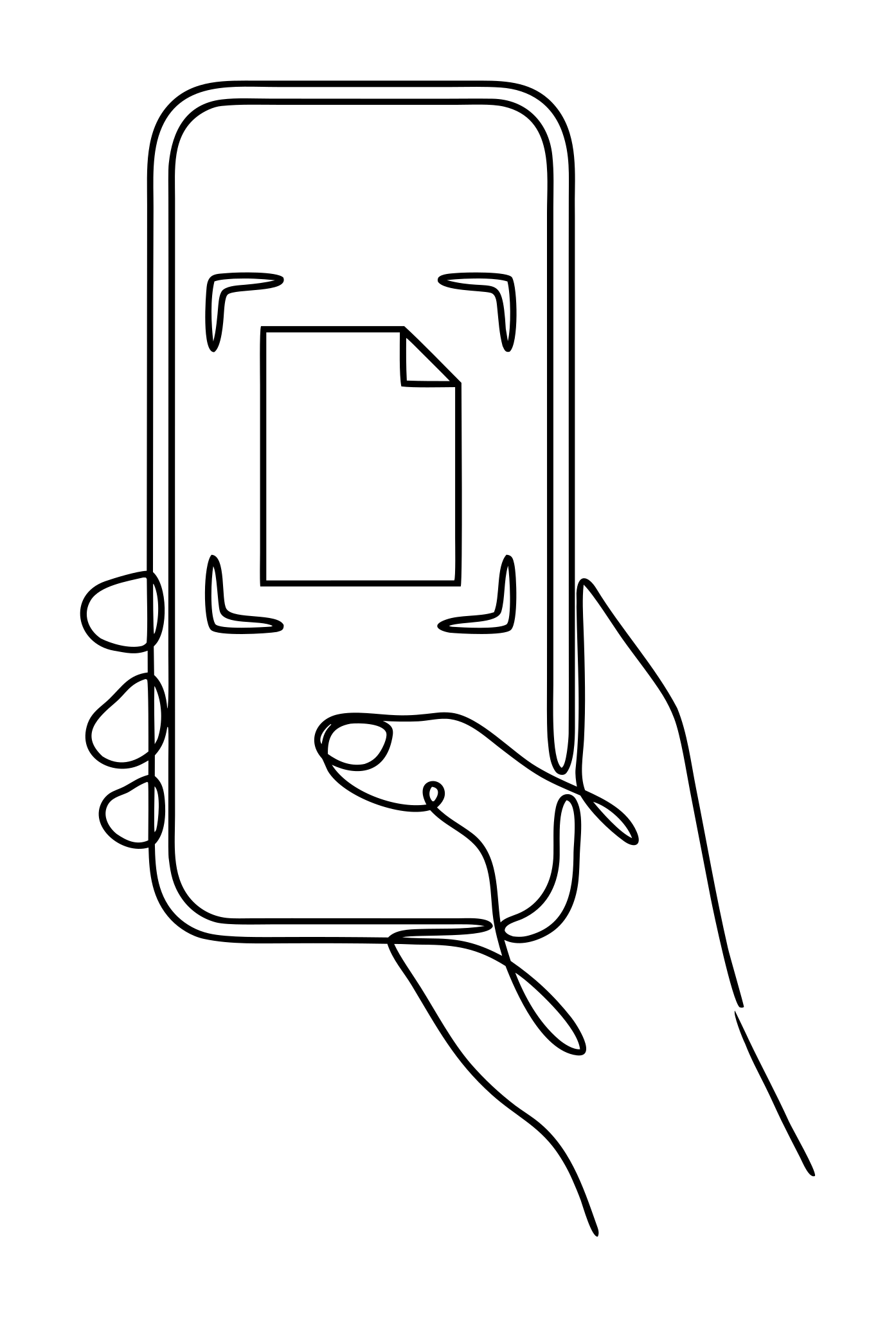
Scan
Point your camera at the page. Torch Scan finds the edges, straightens the image, and captures the next page as soon as you turn it.
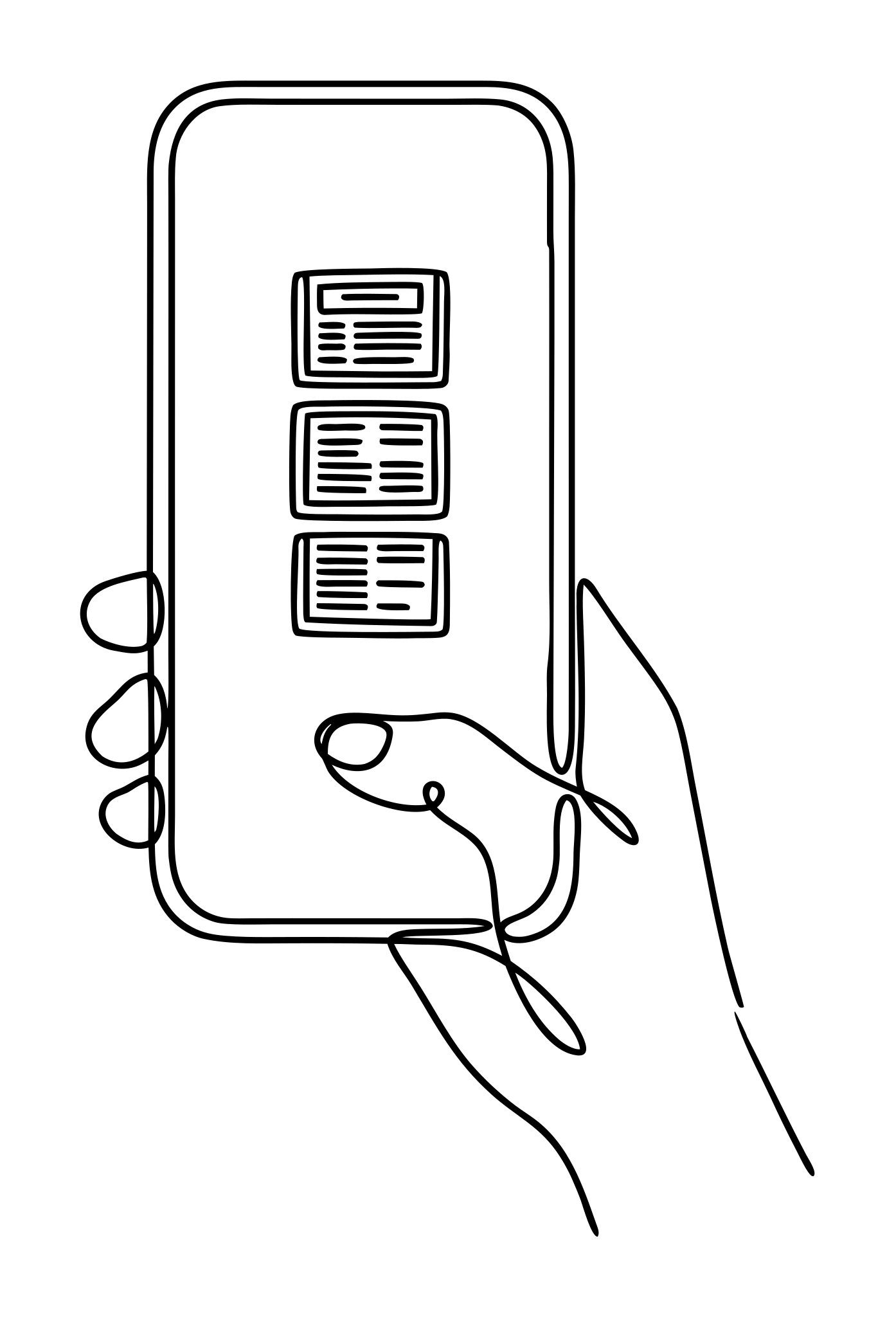
Organize
Every scan lands in your library with a thumbnail, page count, word count, and detected language. Rename, sort, filter, and preview.
Share or translate
Export a PDF to any app on your phone, or send the document to U.S. Language Services for a certified translation quote.
Your documents never leave your phone unless you send them.
Torch Scan has no servers. Scanning, text recognition, and language detection run on the device. The only ways a document leaves your phone are the share sheet and your own mail app, and you tap both yourself.
Everything Torch Scan does, and what it gets you.
It costs nothing, and it goes on costing nothing
- Free for life: no subscription, no premium tier, no trial
- No limit on pages, documents or exports
- No ads of any kind, anywhere in the app
- No watermark on any page you export
Your scan comes out looking like the original
- The page edges are found automatically, from any angle
- The page is straightened and cropped for you
- Shadows, stains and stray marks are cleaned off
- Color, grayscale and high-contrast filters
A long document takes minutes, not an afternoon
- The next page is captured the moment you turn it
- Up to 100 pages in a single session
- Manual capture whenever you would rather do it yourself
You can find any document again
- Every scan lands in a library with a thumbnail
- Page count, word count and detected language on each one
- Rename, sort and filter
You check it before anyone else sees it
- Continuous reader: every page in one scroll
- Numbered filmstrip to jump between pages
- Pinch to zoom up to 4x
You decide how it leaves your phone
- One PDF per document, in small, medium or original quality
- Share to any app on your phone
- Nothing is uploaded by the app itself
Your documents stay yours
- No servers: scanning and text recognition run on the device
- No account, no login, no analytics, no tracking
- The camera is the only permission it ever asks for
A certified translation the day you need one
- For all your legal needs
- Notarization available
- Expedited service available
- 35+ languages
Ready when you are.
No account. No questions. Just point your camera at a document.